Minecraft: Dream it, Build it!
Game preview
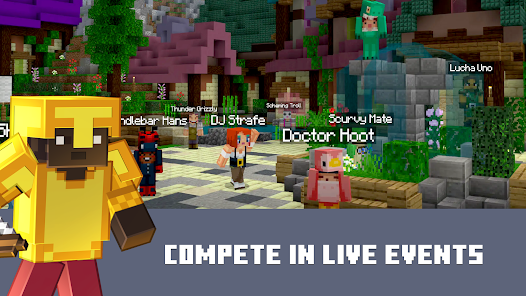
Images supplied with this game listing.
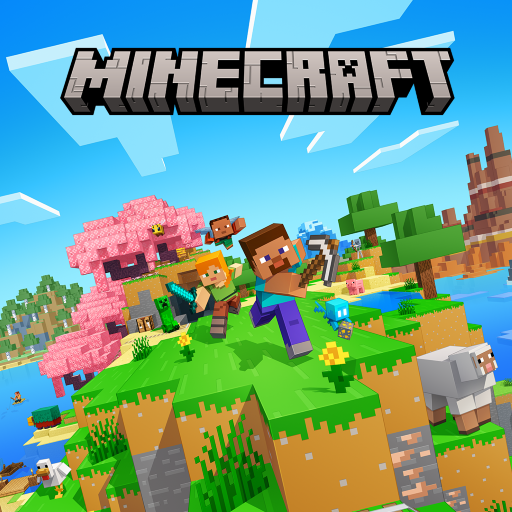
Minecraft: Dream it, Build it! is the current Google Play name for Mojang's Android edition of Minecraft. It is a paid sandbox game built around gathering blocks, crafting tools and shaping a world that can be approached as survival, building or exploration. The store identifies this as Bedrock Edition, with multiplayer across compatible platforms. The important buying distinction is that purchasing the app does not make every Marketplace item or hosted Realm free. If you mainly want a predetermined story with a final level, its open-ended goals may not suit you; if you want to set the goals yourself, that openness is the product.
Choose Creative or Survival for a different first world
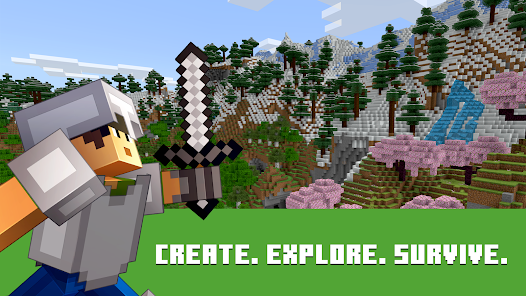
Creative mode supplies unlimited resources for building. It is a good place to test touch controls, learn how blocks fit together and sketch a house or landscape without fighting for materials. Survival mode instead asks you to gather resources, craft useful tools and endure hostile nights. That loop gives a new world a practical order: find a workable location, collect basic material, establish light and shelter, then expand into farming, mining or longer exploration. The official listing describes both modes; neither is a temporary demo or an add-on to buy separately.
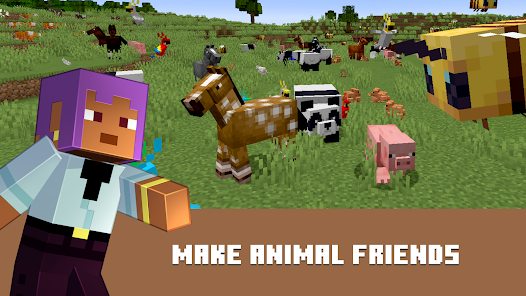
The world is randomly generated and contains biomes and creatures to discover, befriend or battle. An appealing hill may be a difficult base if it leaves you far from useful resources; a plain location near what you need can make the first evening less stressful. In Survival, use the daylight to prepare for darkness instead of spending every minute decorating. In Creative, remove that pressure and concentrate on design. These are practical consequences of the published mode rules, not a claim that one prescribed build is mandatory.
Crafting, building and the freedom to change direction
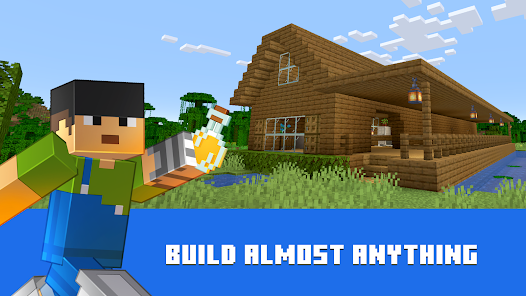
Gathering and crafting are connected. Resources become tools, buildings and other useful objects; tools then make different resources or routes accessible. The store also mentions farming, underground mining and combat, so the game is not limited to placing blocks on an empty canvas. Start with a modest structure that solves a need, then let the world suggest a larger project. A farm can support survival, a path can connect a mine to a base, and a bigger building can be an aesthetic goal after basic needs are covered.
Mojang advertises slash commands that can change conditions such as weather or time, summon mobs and alter play. Those are optional tools, not evidence that every Survival achievement or shared world permits the same settings without consequences. Decide before inviting others whether the world is meant to be a challenge, a collaborative build or an experimental space. Changing rules mid-project can be convenient, but it also changes what progress means to the players sharing that world.
Playing with friends: free sessions, servers and Realms
The Google Play description says the Android Bedrock edition supports cross-platform multiplayer. It mentions free multiplayer sessions for up to four players with an Xbox Live account, larger public servers and a paid Realms or Realms Plus hosted option for up to ten friends. A Realm is a private server Mojang hosts so friends can access the world when the owner is away. The listing advertises a 30-day in-app trial, but a trial is not a permanent entitlement; check the current renewal terms and regional price before starting it.
These routes solve different problems. A small free session may be enough for occasional building with friends who can meet at the same time. Public servers are better for joining a broader community or mini-game, but involve other players and server-specific rules. A Realm is about persistent private access and hosting convenience. Confirm that everyone has compatible Bedrock editions and the necessary account access before paying for a Realm. Cross-platform support does not mean every edition, mod or server behaves identically.
Marketplace purchases and add-ons
The base Android app is paid on Google Play; the US store listing checked October 27, 2026 showed a price, but local pricing can differ. Mojang separately offers creator-made worlds, cosmetics and add-ons through the Minecraft Marketplace. The listing also discusses resource packs and further customization. Read an item's description and compatibility before purchase, especially if a friend expects to see the same change in a shared world. Buying the app grants the game itself, not an unlimited license to every Marketplace pack or ongoing Realm subscription.
The official Play description links to Mojang's device-requirement help rather than giving a single minimum Android version in the text reviewed here. Check the live Play compatibility message on the actual phone or tablet you plan to use. A phone that can install the game may still need careful settings for a complex world or crowded multiplayer server; we have not benchmarked performance on any device. Download from the official store, not an unverified APK promising free Marketplace content.
A first-session plan that avoids aimless wandering
First choose the mode that matches your intention. In Survival, spend the first daylight cycle finding resources, preparing a protected base and learning basic crafting. Mark a route back before exploring deep underground. Expand in small steps: a safer home, a reliable food source and tools appropriate to the next trip. In Creative, choose one project with a clear footprint and learn movement and placement while building it. If playing with friends, agree on permissions and whether the world is a shared build or a survival challenge before anyone changes the landscape.
For a lighter multiplayer sandbox with physics-driven jobs rather than block-by-block crafting, compare Wobbly Life. For a more combat-and-progression-heavy building adventure, Terraria is a separate paid mobile game. Minecraft's distinct strength is the degree to which a world can become the player's own project; the trade-off is that the game rarely supplies a narrow checklist of what you must do next.
Common Android questions
Is the Android edition free?
No. The Google Play listing identifies this app as a paid purchase. Marketplace items and Realms hosting can add optional costs. Look at your own regional checkout for the current app price and at the terms of a Realm trial before accepting a subscription. The price shown in another country or a past promotion is not a reliable quote for today.
Can Android players join friends on other devices?
Mojang advertises cross-platform play for Bedrock Edition. That does not guarantee compatibility with every Minecraft edition or every third-party server. Verify the editions and account requirements on both sides, then choose a free friend session, public server or paid Realm according to how often the world needs to remain available.
Do I need Realms to play multiplayer?
No. The Play description names free multiplayer with friends and public servers in addition to Realms. A Realm is Mojang's hosted private option, useful when persistent access matters. It is not a required entry fee for all multiplayer play. Check server rules and current account requirements for the route you choose.
Editorial verdict
Minecraft's strongest feature is the freedom to move from practical Survival goals to ambitious building, alone or with compatible friends. Its weakest fit is someone who wants tightly directed missions without inventing personal objectives. The optional Marketplace and hosted-server costs deserve attention, as does device compatibility. This is an assessment of Mojang's published modes and purchase terms, not a claim that we tested a specific phone or completed a world.
Official sources: Minecraft on Google Play and Minecraft Help. Store details checked October 27, 2026.
Game information
- Title
- Minecraft: Dream it, Build it!
- Category
- Simulation
- Platform
- Android
- Download
- Open link