Gmail
App preview
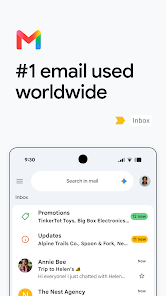
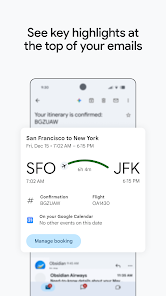
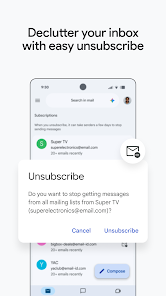
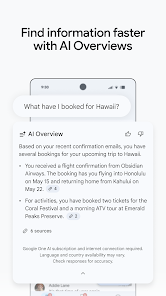
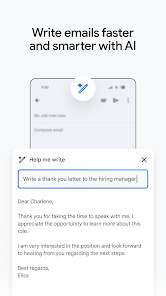
Images supplied with this app listing.
App introduction
Read, send, search, and organize email on Android with Gmail, including support for multiple compatible accounts.
Make your inbox easier to manage
Gmail gives you a mobile place to read messages, reply, and start new conversations. It is useful for the small email tasks that happen throughout a day, from checking a confirmation to sending a longer response. You can use a Gmail address and add other compatible email accounts where supported.
Find the message you need
Search helps when a useful email is buried under newer messages. Labels and other organizing tools can keep related conversations together, while notifications can alert you to new mail without repeatedly opening the app. The best setup depends on how many accounts and inboxes you manage.
Work across your accounts
Adding more than one account can reduce the need to switch between separate email apps. Before relying on notifications, review each account's sync and alert settings so important messages are easy to spot.
Before you download
Available features can differ between Gmail and third-party email providers. An internet connection is needed to send mail and keep account content up to date.
App information
- Title
- Gmail
- Category
- Communication
- Platform
- Android
- Download
- Open link