Spotify: Music and Podcasts
App preview
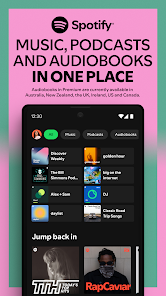

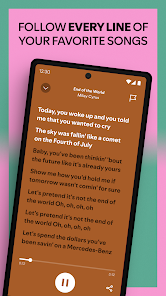

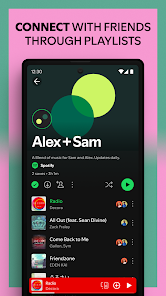
Images supplied with this app listing.
App introduction
Stream music and podcasts, build playlists, follow artists, and explore personalized listening with Spotify for Android.
App overview
Spotify brings music, podcasts, and supported audiobook content into one Android app. Search for a specific artist or show, open an album, or start from a playlist when you want continuous listening. Recommendations can also help surface releases and episodes related to your existing tastes.
Main features
Listeners can create playlists, save favorite content, follow artists and podcasts, and move between compatible devices. Curated mixes and discovery features provide another route into the catalog. Premium plans add benefits such as supported offline downloads and additional playback controls, subject to plan and region.
How to use it
Sign in, search for something familiar, and save the tracks, albums, or shows you want to revisit. Playlists can organize music by activity, mood, or genre, while the library collects followed and saved content. Download controls should be configured before travel if your plan supports offline listening.
Before you download
Audio quality affects both data use and storage, so choose settings that fit your connection and device. Catalogs, audiobooks, subscription options, and playback rules vary by country and plan. Downloads are managed inside Spotify and may require periodic online verification rather than acting as permanent audio files.