Notion: AI Workspace
App preview

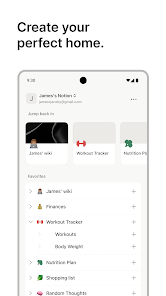
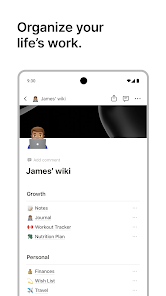
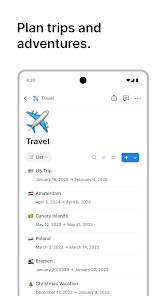
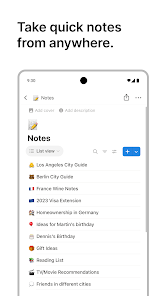
Images supplied with this app listing.
App introduction
Organize notes, documents, tasks, projects, and shared knowledge in the Notion workspace for Android.
App overview
Notion is a flexible workspace for notes, documents, task tracking, and shared knowledge. Pages can begin as a simple checklist and grow into a structured project area, making the app useful for personal planning as well as collaboration across a team.
Main features
Blocks let you combine text, headings, lists, media, links, and database-style views on the same page. Templates can speed up recurring setups, while comments, mentions, and sharing controls support group work. AI-assisted features may help search, summarize, draft, or organize information depending on the account and plan.
How to use it
Start with one workspace and create a page for a clear purpose, such as weekly tasks, meeting notes, or a reading list. Add only the properties and views you need, then link related pages as the workspace develops. On mobile, favorites and search make frequently used material easier to reach.
Before you download
Define sharing permissions before placing private or business information in a collaborative page. Some integrations, AI functions, history limits, and administrative controls require particular plans. Offline behavior can differ by content type, so open important pages in advance when connectivity may be limited.
App information
- Title
- Notion: AI Workspace
- Category
- Productivity
- Platform
- Android
- Download
- Open link