Marvel Rivals
- Developer
- NetEase Games
- Publisher
- NetEase Games
- Release date
- Dec 5, 2024
Screenshots
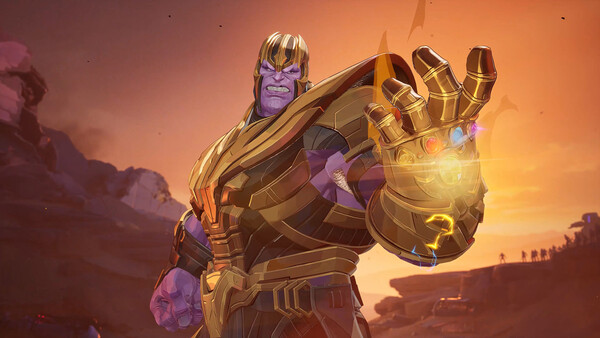
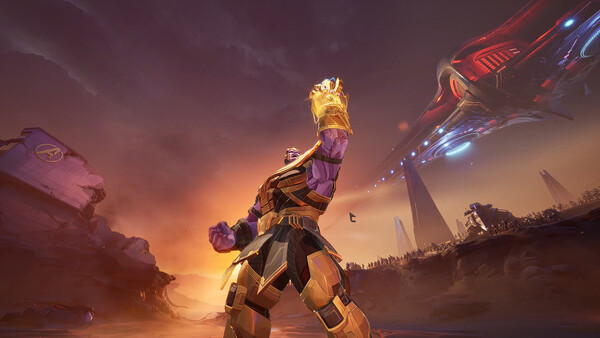
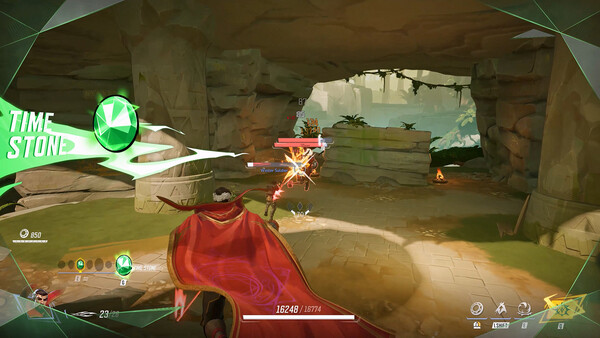
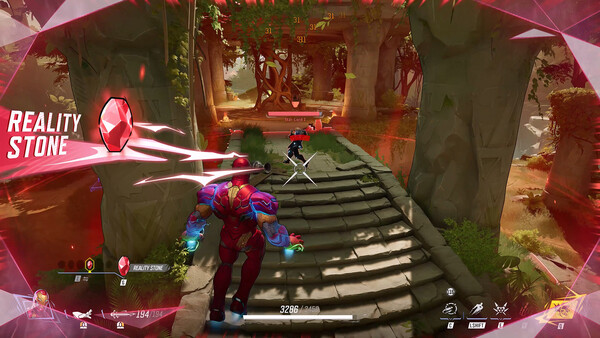
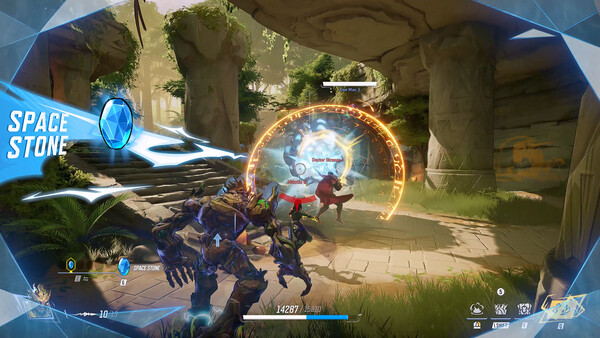
Screenshots supplied with this Steam listing.
Game introduction
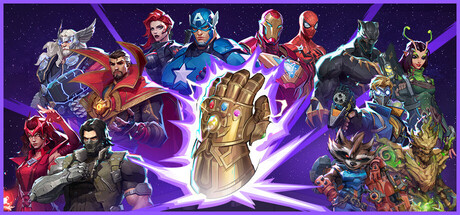
Assemble Marvel heroes and villains for team-based PvP battles shaped by character abilities, team-ups, and changing arenas.
Marvel characters in a team fight
Marvel Rivals is a free-to-play PvP shooter where familiar heroes and villains meet in team battles. The appeal is not just recognizing a character: each choice brings abilities that can influence how a squad attacks, defends, or recovers when a plan falls apart.
Find useful combinations
Team-up moves give certain character pairings another tactical layer. A strong group needs more than a collection of favorites, so pay attention to what your teammates can do and where your own character can help. Trying a new role can reveal a different side of the same map.
Read the arena
Destructible surroundings and shifting battlegrounds can change the shape of an encounter. Cover or a route that seemed dependable may not stay that way. Keep an eye on the environment as well as the opposing team.
Before you join a match
Marvel Rivals is an online game. Use the official Steam listing to confirm current modes, account requirements, and system specifications before installing.
System requirements
WindowsMinimum
- OS: Windows 10 64-bit (1909 or newer)
- Processor: Intel Core i5-6600K or AMD Ryzen 5 1600X
- Memory: 16 GB RAM
- Graphics: NVIDIA GeForce GTX 1060 / AMD RX 580 / Intel Arc A380
- DirectX: Version 12
- Network: Broadband Internet connection
- Storage: 70 GB available space
- Additional Notes: We recommend you install the game on SSD drive for better experience.
Recommended
- OS: Windows 10 64-bit (1909 or newer)
- Processor: Intel Core i5-10400 or AMD Ryzen 5 5600X
- Memory: 16 GB RAM
- Graphics: NVIDIA GeForce RTX 2060 (Super) / AMD RX 5700-XT / Intel Arc A750
- DirectX: Version 12
- Network: Broadband Internet connection
- Storage: 70 GB available space
- Additional Notes: We recommend you install the game on SSD drive for better experience.
Check the current Steam listing for the latest platform-specific requirements.